Kuycon G27P
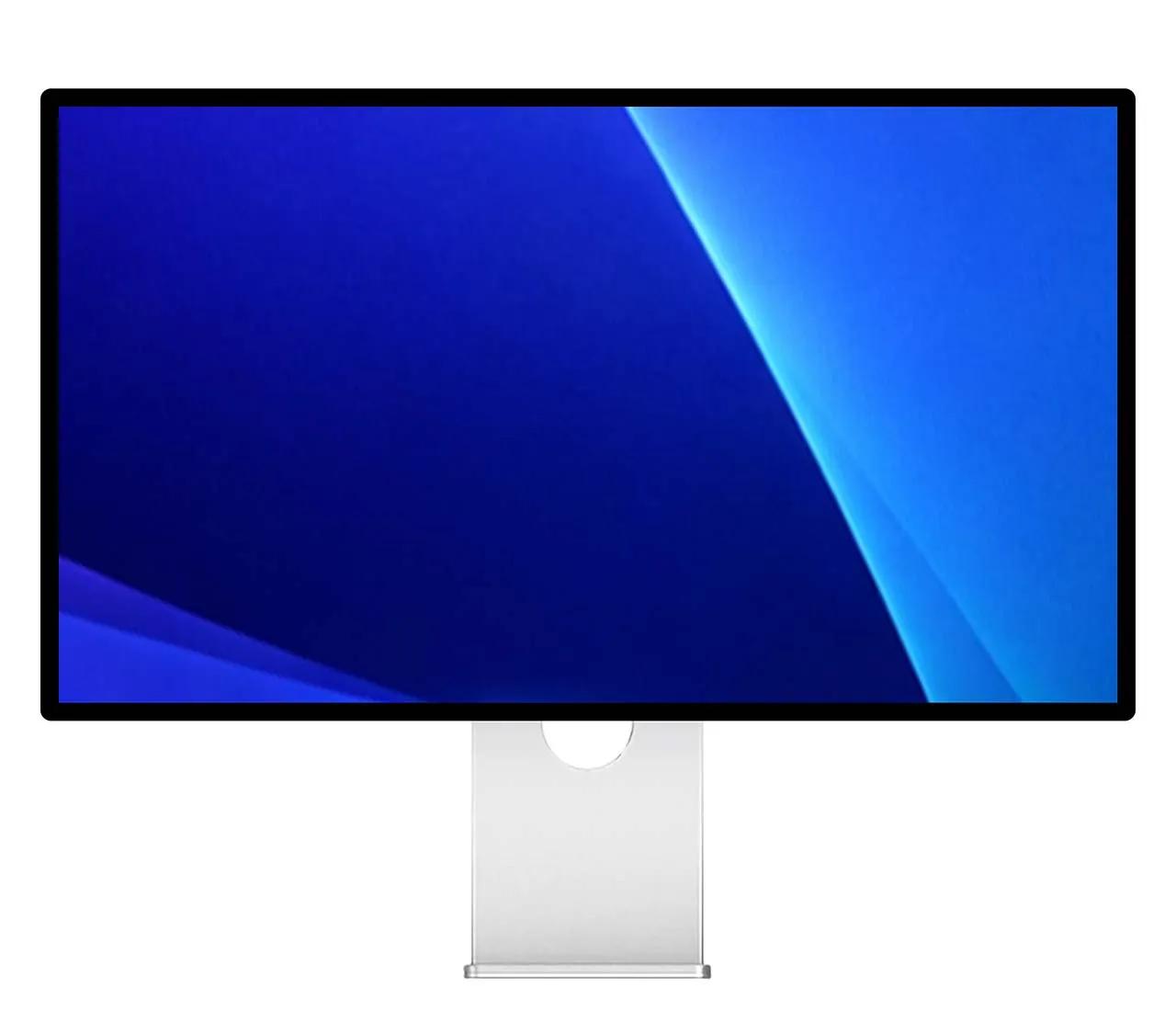
27-inch 5K resolution. Up to 600 nits brightness. Ideal pixel density of 218 PPI for Mac users. A rich 2000:1 contrast ratio with ultra-wide viewing angles. Over a billion colors, tuned for accuracy.
From $999
BuyOne display to rule them all
macOS
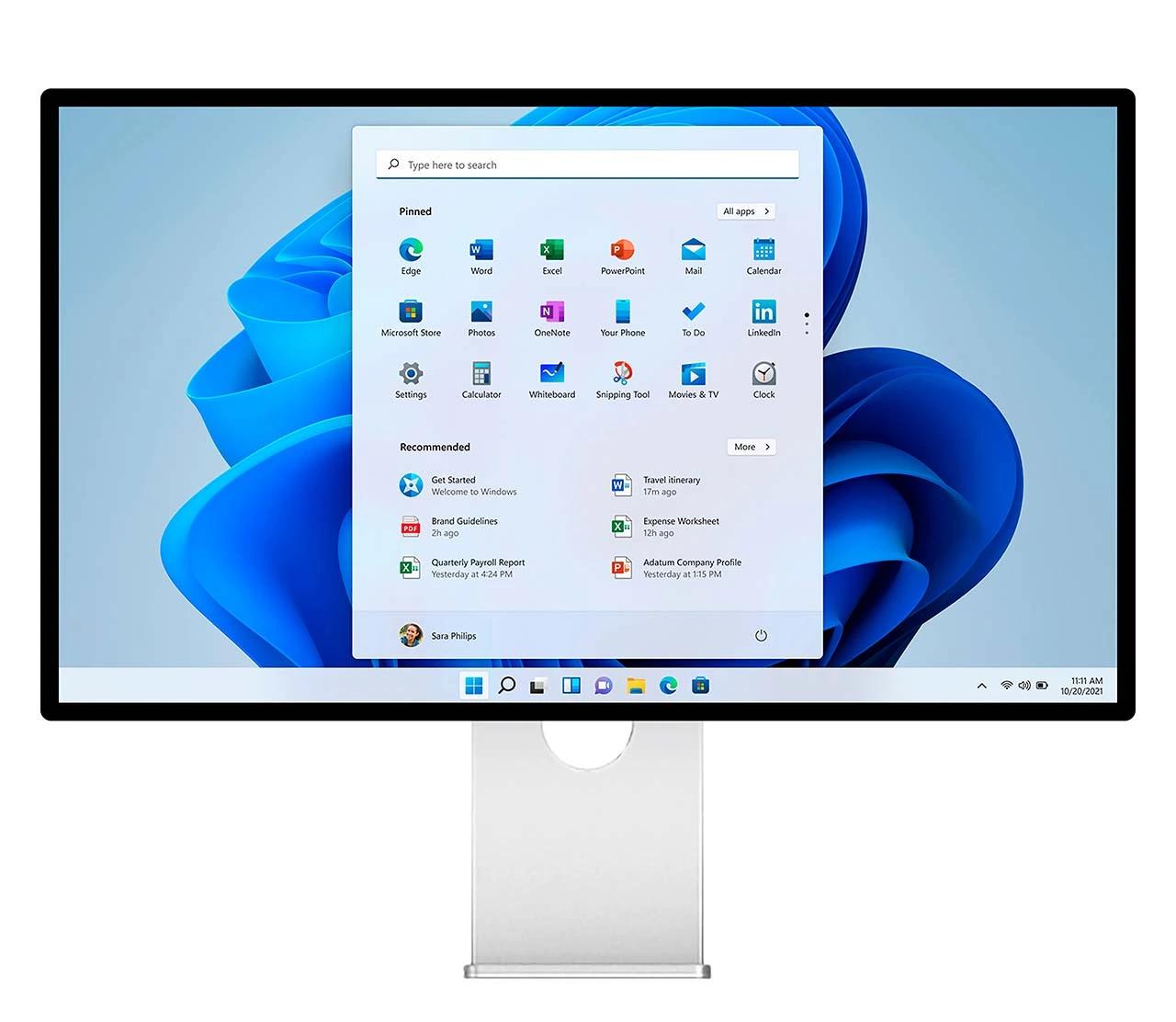
Windows
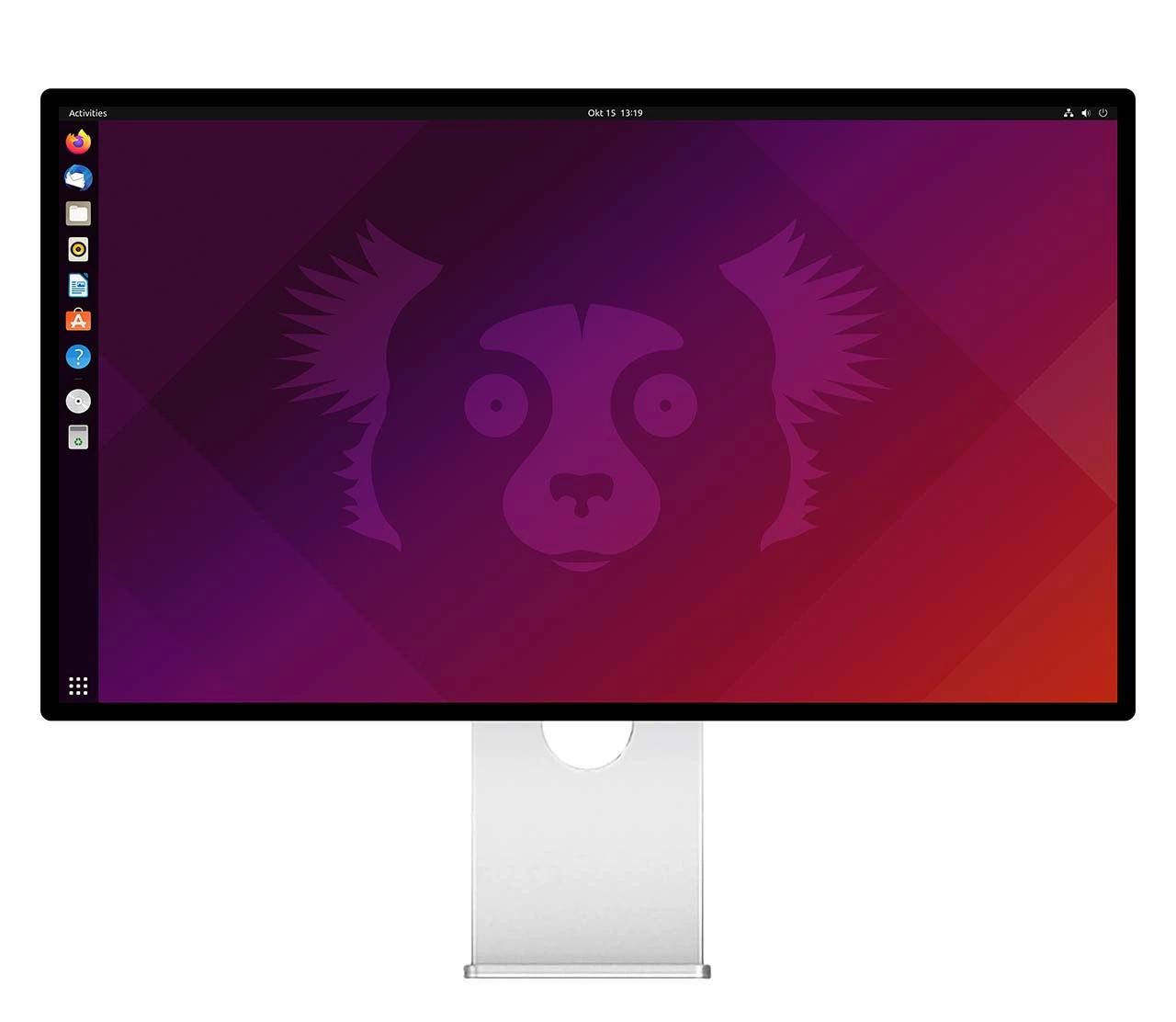
Linux
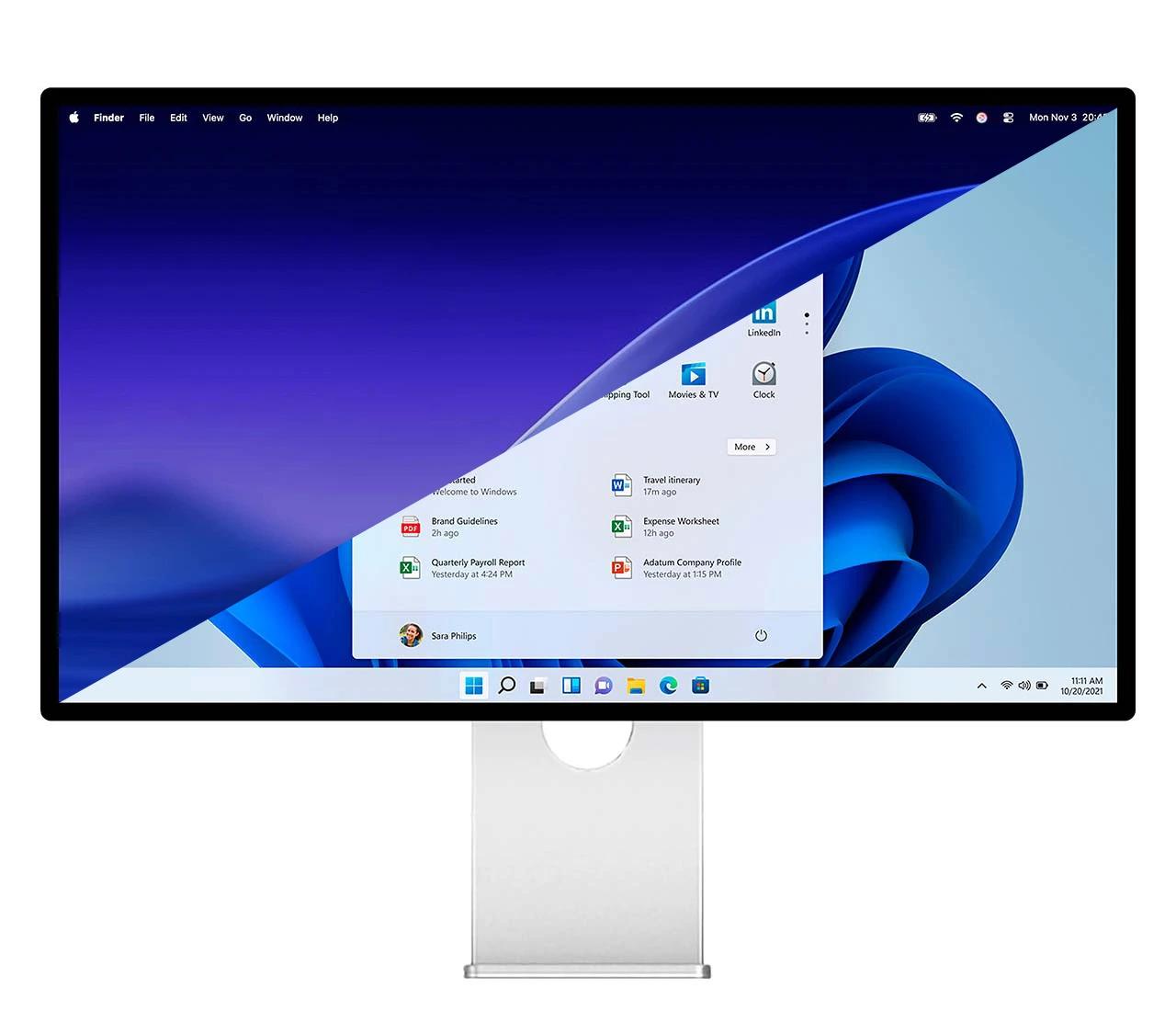
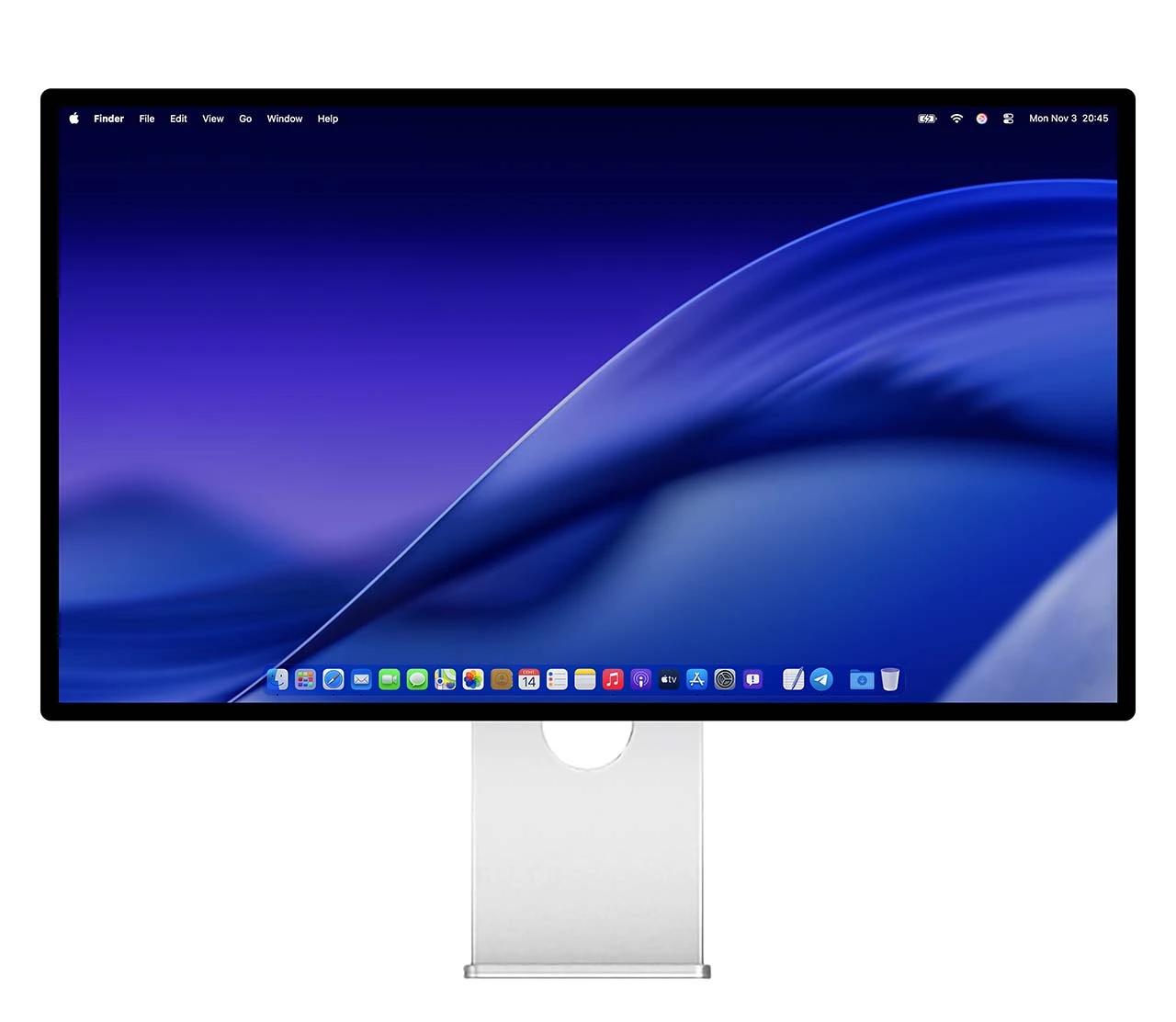
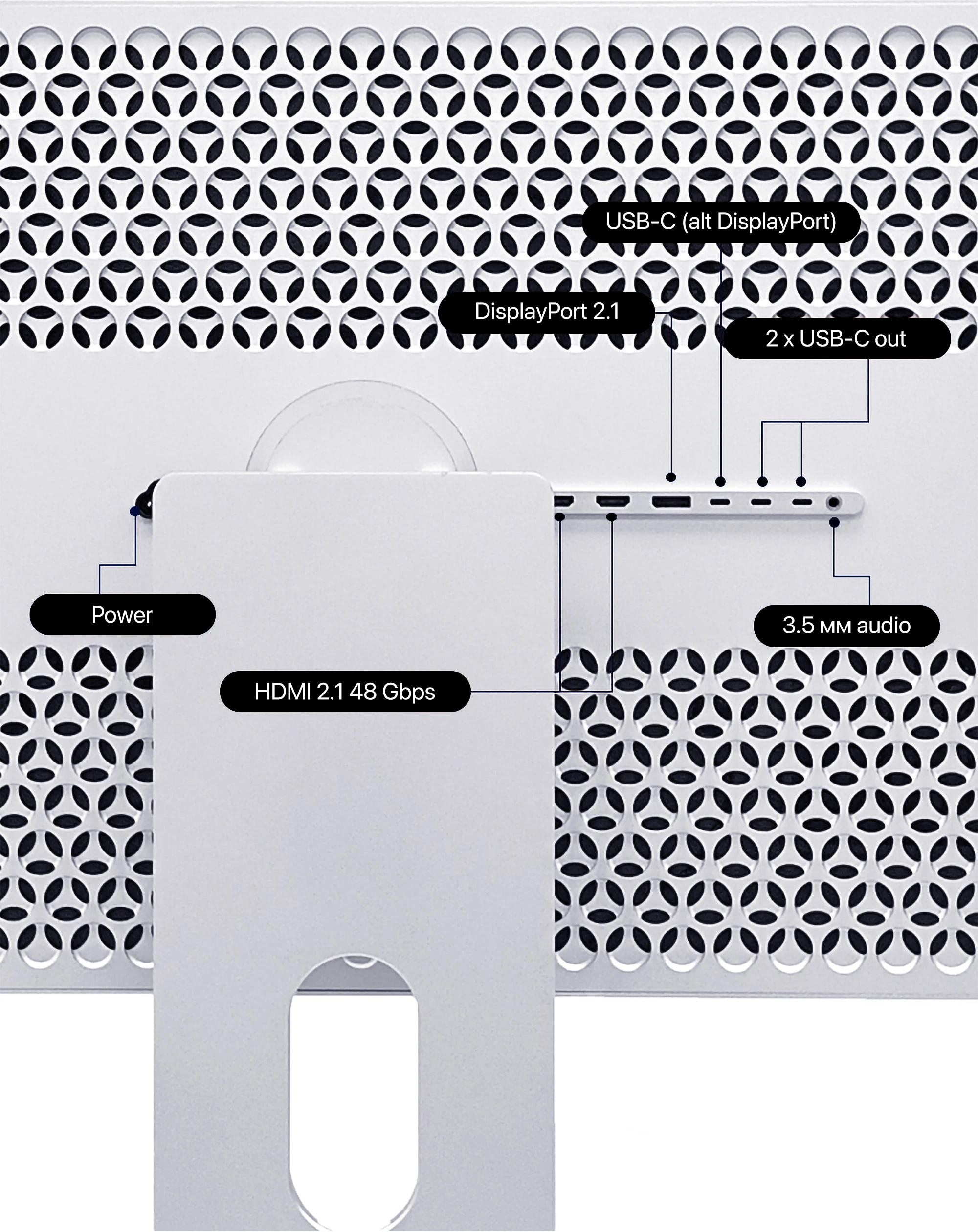
With USB-C, HDMI, and DisplayPort, G27P works seamlessly with all major operating systems and gaming consoles — PlayStation, Xbox, and Nintendo Switch. Just plug in and get to work or play.
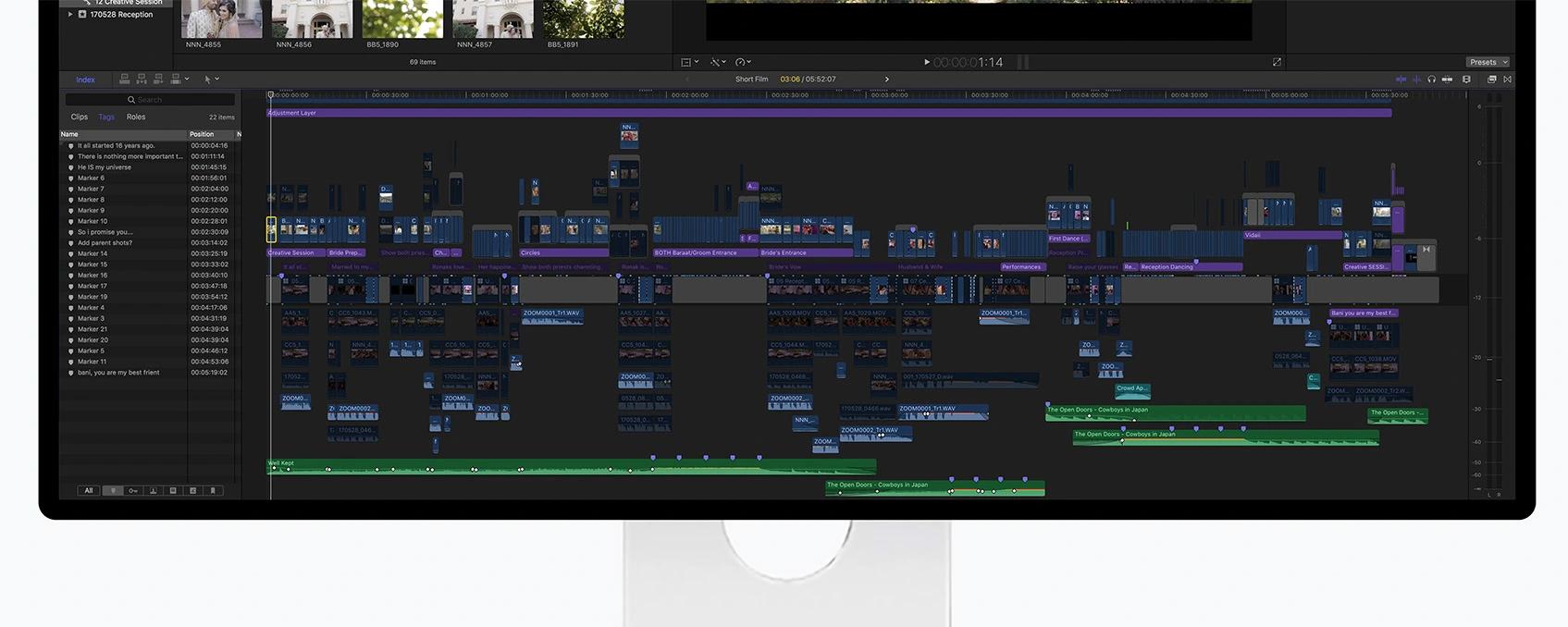
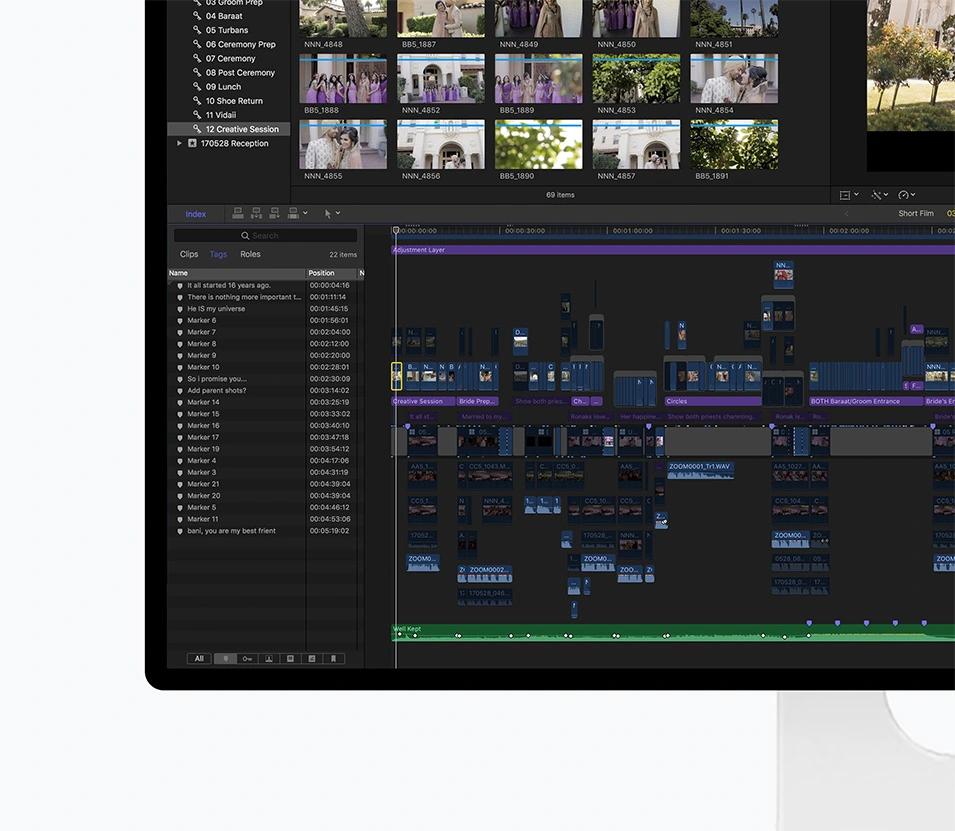
High pixel density makes pro apps shine — fit more on one canvas without losing the finest details. Ideal for photo and video editing, design, coding, and any task where clarity matters. 218 PPI, optimized for macOS.
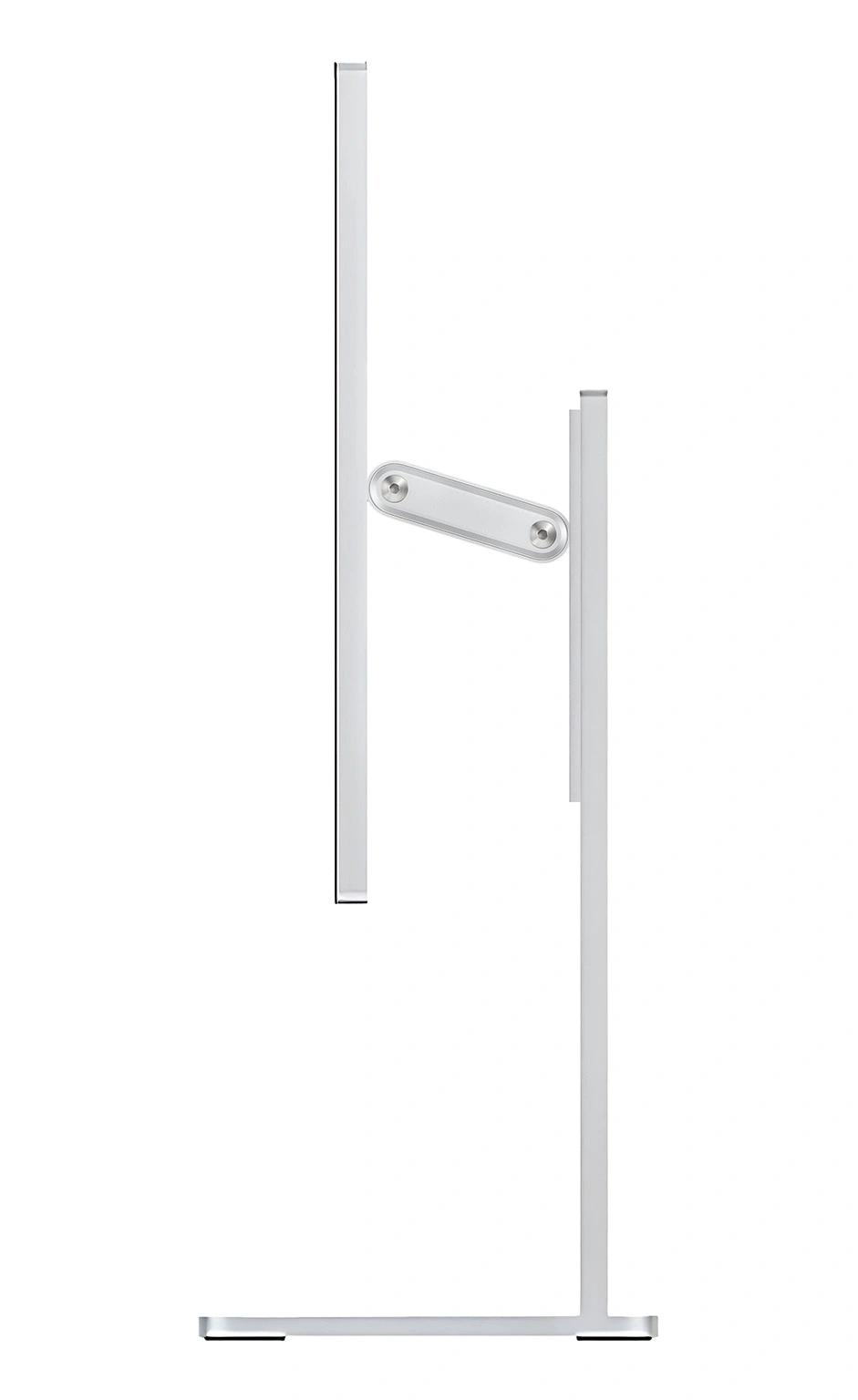
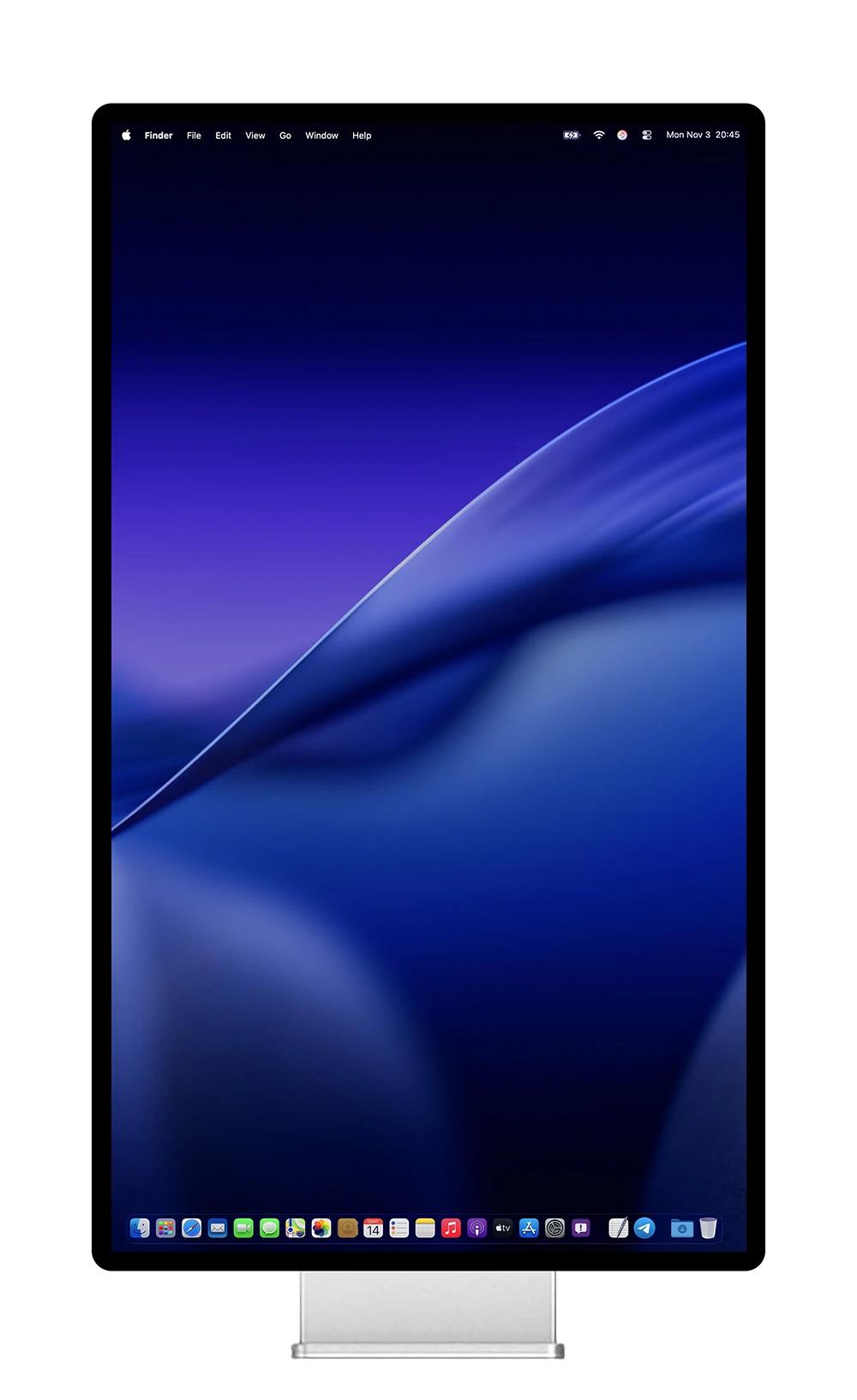
Kuycon Stand allows you to adjust the tilt, rotation (360°) and height of the monitor. Stand purchase is optional. The monitor comes with a VESA adapter that allows you to mount the monitor on a bracket or wall.
Contrast is the difference between the brightest and darkest parts of an image, it's a challenge to reproduce on a display, which led to the development of High Dynamic Range (HDR). With advanced Nano IPS Black display technology G27P takes brightness, contrast and color to a new level.
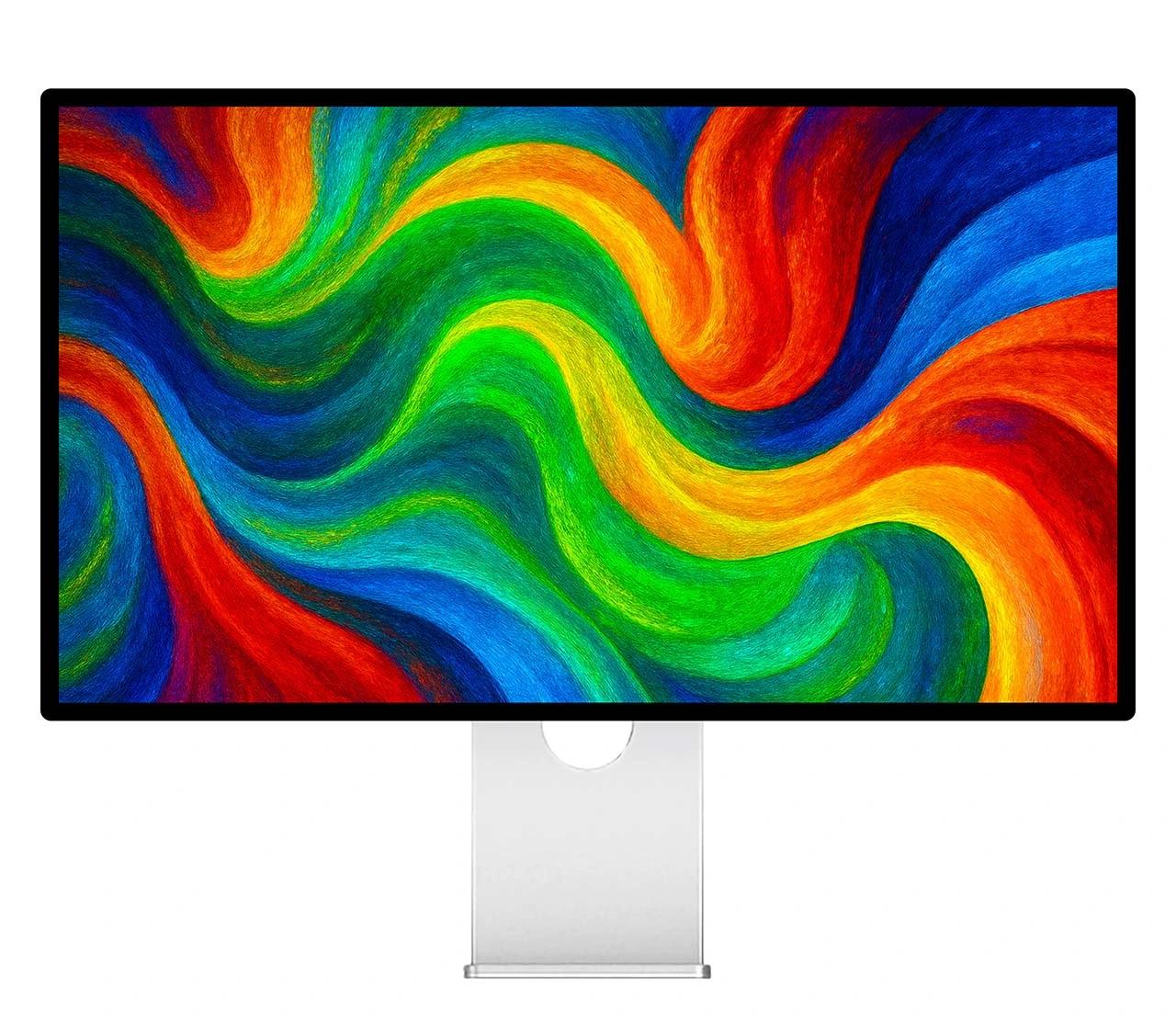
Your projects will shine brighter.
Typical brightness of most ordinary desktop monitors is around 300 nits. Some professional displays exceed this, but most can only sustain it for short periods. G27P provides 600 nits of full-screen sustained brightness. Along with Nano IPS Black technology, this delivers outstanding contrast between the brightest and darkest colors. The result is a high contrast ratio of 2000:1 and HDR support.
sustained brightness
contrast
High Dynamic Range

Your projects will shine brighter.
Typical brightness of most ordinary desktop monitors is around 300 nits. Some professional displays exceed this, but most can only sustain it for short periods. Kuycon G27P provides 600 nits of full-screen sustained brightness. Along with Nano IPS Black technology, this delivers outstanding contrast between the brightest and darkest colors. The result is a high contrast ratio of 2000:1 and HDR support.
sustained brightness
contrast
High Dynamic Range
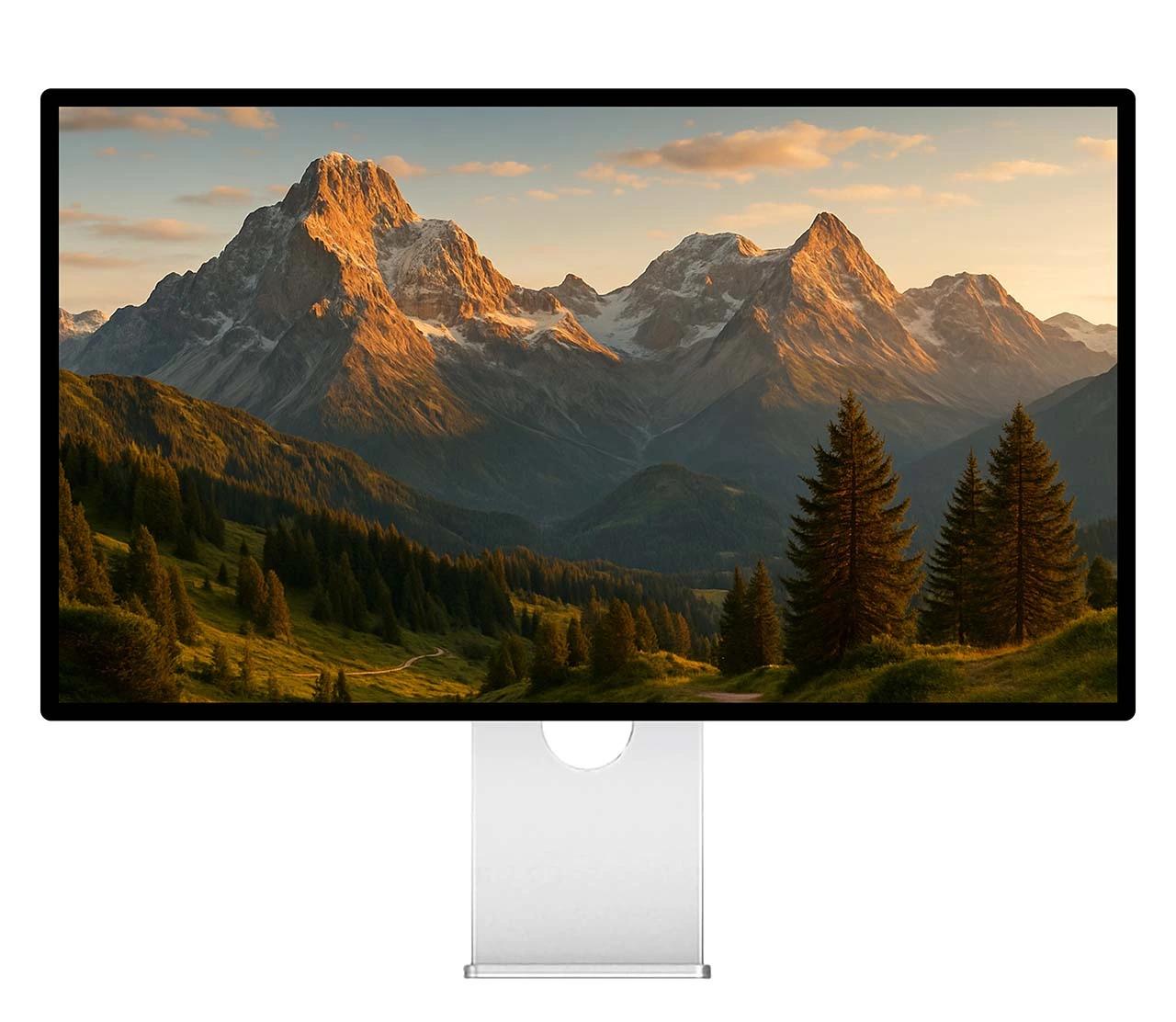
Stunning color accuracy.
Kuycon G27P displays your work in the most accurate color. The wide P3 color gamut provides a palette for stunningly vibrant images.With natural color reproduction, Kuycon G27P can reproduce over a billion colors with incredible accuracy, delivering vibrant, true-to-life images that bring your creative work to life.and advanced calibration technology and sophisticated algorithms ensure the highest quality color reproduction.
color depth
wide color gamut
Stunning color accuracy.
Kuycon G27P displays your work in the most accurate color. The wide P3 color gamut provides a palette for stunningly vibrant images.With natural color reproduction, Kuycon G27P can reproduce over a billion colors with incredible accuracy, delivering vibrant, true-to-life images that bring your creative work to life.and advanced calibration technology and sophisticated algorithms ensure the highest quality color reproduction.
color depth
wide color gamut

Brightness control from the operating system.
Kuycon G27P supports the DDC/CI protocol, allowing you to adjust brightness directly from your device using system keys or tray menu without the need for a remote control.
We recommend MonitorControl for macOS, and for Windows - Twinkle Tray and Monitorian. More detailed information and download links are available at kuycon.us/brightnesscontrol.
Note: If your device does not support the DDC/CI protocol, use the monitor menu for brightness adjustment, accessible via the remote control included in the package.
Brightness control from the operating system.
Kuycon G27P supports the DDC/CI protocol, allowing you to adjust brightness directly from your device using system keys or tray menu without the need for a remote control.
We recommend MonitorControl for macOS, and for Windows - Twinkle Tray and Monitorian. More detailed information and download links are available at kuycon.us/brightnesscontrol.
Note: If your device does not support the DDC/CI protocol, use the monitor menu for brightness adjustment, accessible via the remote control included in the package.
Why kuycon.us is the best
place to buy Kuycon monitors.
Authorized in
the United States.
kuycon.us is the official Kuycon dealer in the United States. Buy with confidence from a trusted source.
Full warranty
coverage.
Comprehensive warranty coverage for all products bought directly from us. We ensure a hassle-free experience.
Extra quality
check.
Every order undergoes additional quality inspection before shipping to ensure the best possible experience.
Monitor experts
at your service.
Our team consists of monitor specialists who can help you choose the perfect display for your needs.

Ships everywhere
you need.
Fast shipping across the globe via only the most trusted carriers. Secure packaging guaranteed.

Multiple ways
to buy.
We support payments in multiple currencies and various secure payment methods. Contact us for more information.
Price match
available.
Found a lower price elsewhere? Contact us and we'll check if we can match it.